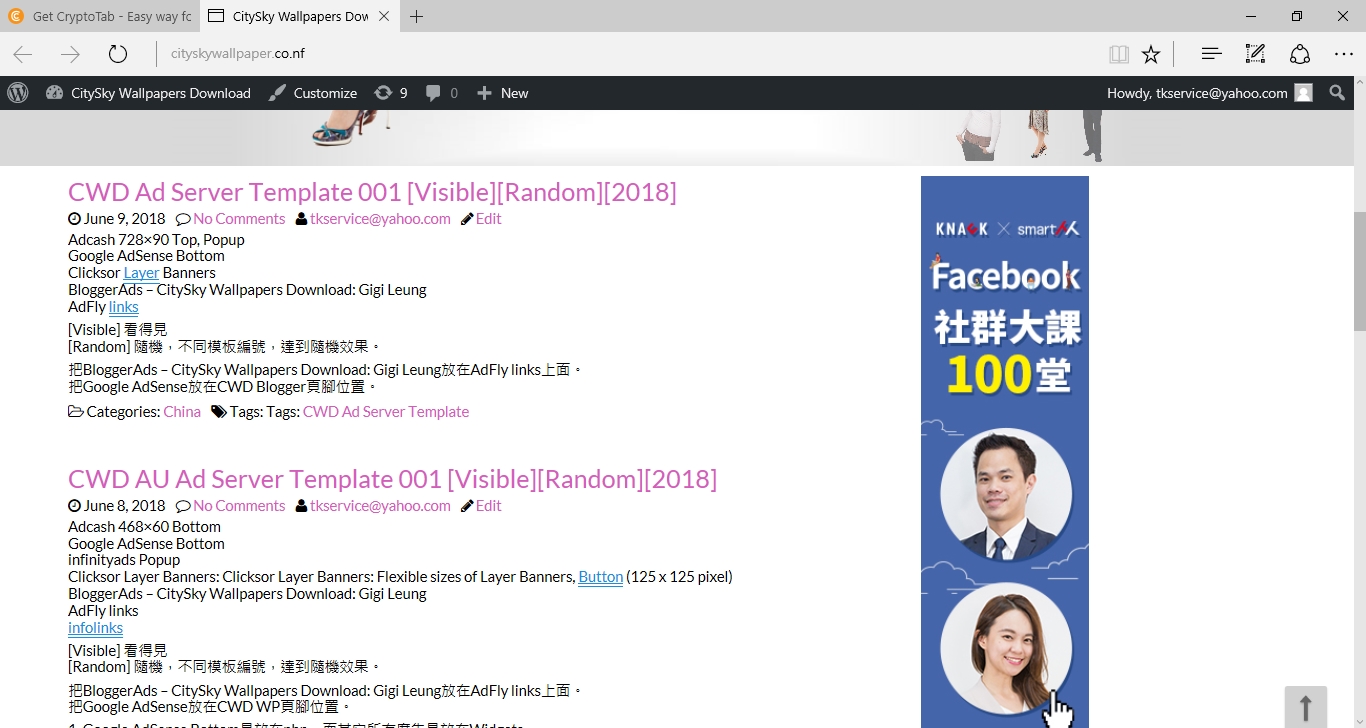
Blogger的Randomize和WP的Randomize有些不同,會使用CWD Ad Server Template來模擬WP的Randomize。
CWD Ad Server Template考慮以下變數:
[Visible] 看得見
[Randomize] Pop-under: Clicksor, Infinity Ads, Adcash, AdFly, PropellerAds
[Random] 隨機,不同模板編號,達到隨機效果。
[2018]
2018年6月15日 星期五

"執行的變數定義"拿走=>Randomize 3.txt
1. 另儲存Randomize 3.txt。
2. 放在Blogger的Randomize。
只抄廣告伺服器的變數定義 => 執行的變數定義拿走
廣告伺服器的變數定義只放在Blogger,沒有執行。

2. 放在Blogger的Randomize。
只抄廣告伺服器的變數定義 => 執行的變數定義拿走
廣告伺服器的變數定義只放在Blogger,沒有執行。

Blogger的Randomize: 把廣告伺服器的變數定義抄出來
1. 另儲存Randomize 2.txt。
2. 放在Blogger的Randomize。
廣告伺服器的變數定義只放在Blogger,沒有執行。


2. 放在Blogger的Randomize。
廣告伺服器的變數定義只放在Blogger,沒有執行。


CWD AU Randomize的資料
進入CWD AU的Randomize。
然後,把資料複製出來。
1. 不用再設計,直接抄mysql的資料。 [CWD AU的Randomize]
2. 使用.txt檔案儲存。 [會套用在Blogger]


然後,把資料複製出來。
1. 不用再設計,直接抄mysql的資料。 [CWD AU的Randomize]
2. 使用.txt檔案儲存。 [會套用在Blogger]


Blogger的Randomize和WP的Randomize在外觀上一樣
Title: Randomize
WP Randomize的作者:
Greg Jackson
Blogger的Randomize的作者:
CitySky Wallpapers Download: Yuan Quan的CitySky - William


WP Randomize的作者:
Greg Jackson
Blogger的Randomize的作者:
CitySky Wallpapers Download: Yuan Quan的CitySky - William


2018年6月14日 星期四
Contributors & Developers
“Randomize” is open source software. The following people have contributed to this plugin.
Randomize
By vk1337
Randomize
By vk1337
Can I embed images?
You are able to embed images by using the general HTML tag. Maybe you would like to create an own category for images in Randomize.
What about template tags?
You can use something like this, where ‘EXAMPLE_CATEGORY’ is the group you wish to select items from:

Can I use shortcodes?
Yes, you can use…
[randomize]
for all strings, or
[randomize category=”EXAMPLE_CATEGORY”]
for a specific category, or even
[randomize category=”EXAMPLE_CATEGORY” random=”1″]
for a specific category also, but with randomization instead of rotating.
[randomize]
for all strings, or
[randomize category=”EXAMPLE_CATEGORY”]
for a specific category, or even
[randomize category=”EXAMPLE_CATEGORY” random=”1″]
for a specific category also, but with randomization instead of rotating.
隨機化
Randomize
Randomize - Add new
Content to display:
You can enter text or HTML tags to embed pictures, videos and much more.
Category
Select a category from the list or create a new one.
Category:
New Category
Visibility
Public
Private
Type of import
Bulk import for multiple items
Just a single item
Bulk insert will create a new record for each line (delimited by carriage return) within the text box above using the same category selected.
Empty lines will be ignored.
Return to Summary page.
隨機化 - 添加新的
要顯示的內容:
您可以輸入文字或HTML標籤來嵌入圖片,視頻等等。
類別
從列表中選擇一個類別或創建一個新類別。
類別:
新類別
能見度
公開
私人的
返回到摘要頁面。


Randomize - Add new
Content to display:
You can enter text or HTML tags to embed pictures, videos and much more.
Category
Select a category from the list or create a new one.
Category:
New Category
Visibility
Public
Private
Type of import
Bulk import for multiple items
Just a single item
Bulk insert will create a new record for each line (delimited by carriage return) within the text box above using the same category selected.
Empty lines will be ignored.
Return to Summary page.
隨機化 - 添加新的
要顯示的內容:
您可以輸入文字或HTML標籤來嵌入圖片,視頻等等。
類別
從列表中選擇一個類別或創建一個新類別。
類別:
新類別
能見度
公開
私人的
返回到摘要頁面。



訂閱:
文章 (Atom)